
Skip to content

LEVIATHAN COLAB

One trusted place for files, edits and decisions

COLAB keeps company documents and the work around them together: organised folders, browser editing, controlled sharing, review comments and a dependable history of what changed.

COLAB is a document management and collaboration system for offices: a company file library, browser editing of office documents, controlled sharing, comments and version history.

COLAB workspace overview

Built for people who keep the office moving

  • Office teams
  • Operations and management
  • External collaboration

THE LIVING DOCUMENT

The file stays. The work around it moves forward.

COLAB connects the three moments where company knowledge is usually lost: putting it in the right place, working on it, and reaching a clear decision with the right people.

  1. CHAPTER 01

    Organise company knowledge

    Build a clear folder structure for each company and team instead of relying on personal drives and email attachments.

    • Nested folders and uploads
    • Recent and favourite files
    • Company-separated storage
  2. CHAPTER 02

    Create and edit in the browser

    Open everyday office formats without passing new attachments back and forth or losing the current copy.

    • Documents, sheets and presentations
    • Drawings and project-plan documents
    • Versions retained as work changes
  3. CHAPTER 03

    Share, review and decide

    Invite the right audience with the right level of access, then keep feedback beside the document it belongs to.

    • Fine-grained permission levels
    • Threaded, resolvable comments
    • Protected public share links
File library and folder workspace

A FILE LIBRARY WITH STRUCTURE

Find the working file, not another copy of it

Folders reflect how your company actually works. Teams can upload, move and find files quickly, while recent items, favourites and recovery views keep daily navigation practical.

  • Hierarchical folders and company-isolated files
  • Uploads, recent items and favourites
  • Multi-file download as one ZIP archive
  • Recycle bin with restore and permanent deletion
  • Version upload and complete version history
  • Company-specific local or S3 storage configuration

DOCUMENT STUDIO

Office documents open where the work already lives

Through Collabora Online, teams can create and edit documents in the browser while COLAB retains the file context and its versions. Both familiar Microsoft Office formats and OpenDocument formats are supported.

  • Documents
  • Spreadsheets
  • Presentations
  • Drawings
  • OOXML + OpenDocument
Browser document editor

CONTROLLED SHARING & REVIEW

The right people see the right version

Share internally by person, company, group or role, or create a protected link for someone outside the organisation. Feedback remains part of the document record instead of disappearing into email.

  • View, comment, edit and manage permission levels
  • User, company, group and role audiences
  • Password-protected and time-limited public links
  • Threaded comments that can be edited and resolved
  • Notifications for the people involved
Sharing, comments and permissions

VERSIONS, ACTIVITY & RECOVERY

A visible trail from draft to decision

COLAB does not only preserve the latest file. It keeps the revision and activity context that helps a team understand what happened and recover when needed.

  1. REVISE

    Version history

    Upload a new version, inspect earlier copies and restore the one you need.

  2. TRACE

    Activity and notifications

    See relevant file activity and alert the colleagues involved in review.

  3. REMOVE

    Recycle bin

    Take files out of active work without immediately losing them for good.

  4. RECOVER

    Restore with context

    Return a deleted file or earlier version when the work needs to step back.

Scanner and device intake

FROM DEVICE TO THE RIGHT FOLDER

Let scanners deliver documents directly

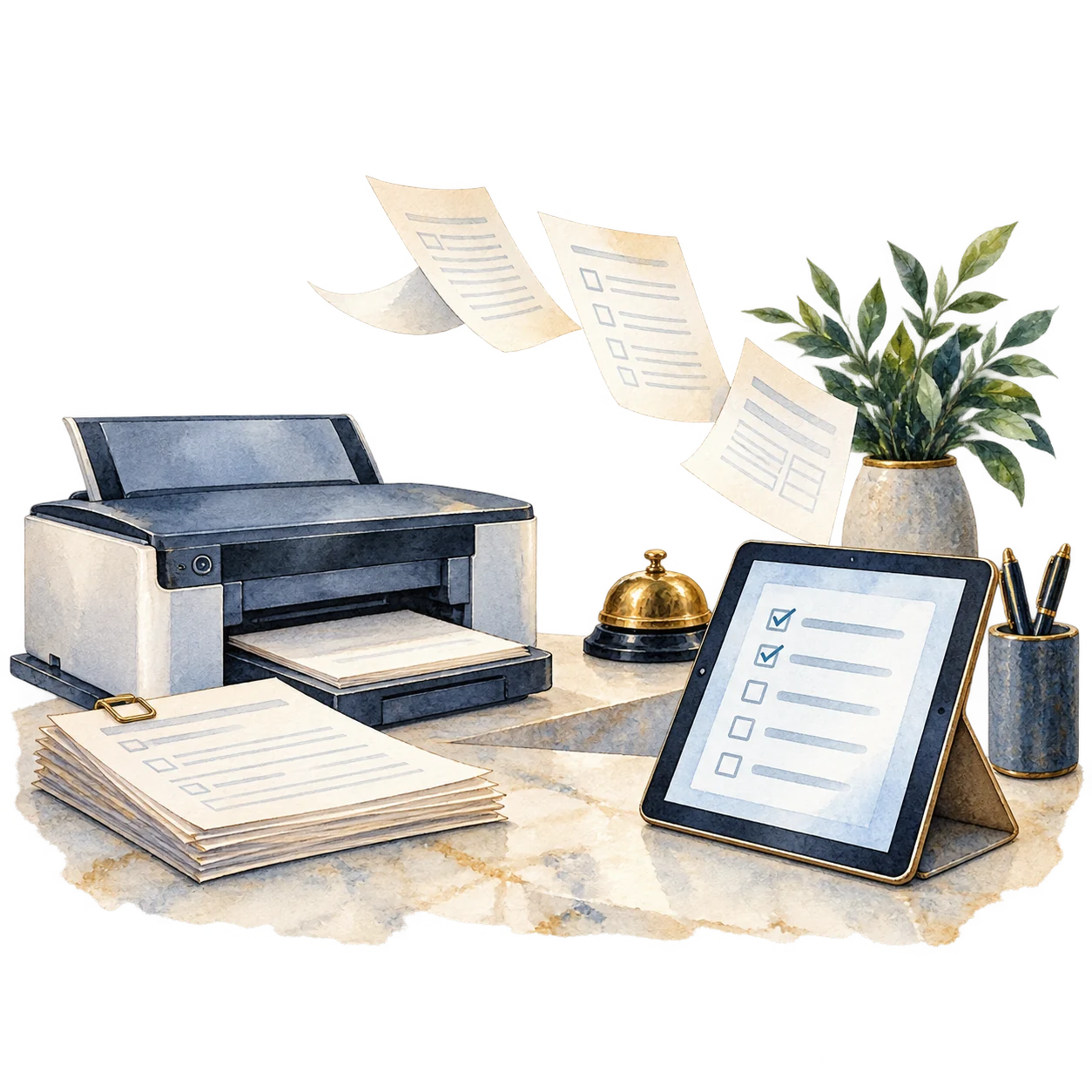
A controlled intake link can send PDFs and images from a scanner or other device into a selected COLAB folder. The office avoids manual forwarding and attachment handling while keeping intake rules explicit.

  • Destination folder selected in advance
  • Allowed file type and size limits
  • Expiring intake links
  • Quarantine controls before documents enter the library

COLAB INDEX

The document workflow, in one view

A practical set of capabilities for offices that need order, collaboration and accountability without assembling several disconnected tools.

  1. 01

    File library

    Nested folders, uploads, favourites, recent files, ZIP downloads and recycle bin.

  2. 02

    Browser editing

    Create and edit office documents, spreadsheets, presentations and drawings online.

  3. 03

    Controlled sharing

    Internal permissions and protected public links for external collaboration.

  4. 04

    Comments & review

    Threaded feedback, resolutions and notifications connected to the file.

  5. 05

    Versions & recovery

    Revision history, restore, activity trail and recoverable deletion.

  6. 06

    Device intake

    Send controlled PDF and image uploads directly to a chosen folder.

CONTROL WITHOUT FRICTION

Company knowledge stays within clear boundaries

COLAB combines practical access controls with a visible activity trail, so teams can collaborate without making every file available to everyone.

  • Company isolation

    Files and storage configuration are separated by company.

  • Permission levels

    Grant view, comment, edit or manage access to defined audiences.

  • Protected external links

    Add a password and expiry when sharing beyond the organisation.

  • Activity trail

    Retain file activity, comments and versions around the document.

Questions about COLAB document management

What is Leviathan COLAB?

COLAB keeps company documents and the work around them together: organised folders, browser editing, controlled sharing, review comments and a history of what changed. Files and storage configuration are separated by company.

Which documents can be edited in the browser?

Documents, spreadsheets, presentations and drawings, through Collabora Online, in both Microsoft Office formats and OpenDocument formats. COLAB also includes a project-plan document type for structured tasks, resources and work calendars; it is a specialist document editor, not a replacement for a complete project-management platform.

How does sharing work in COLAB?

Share internally by person, company, group or role at view, comment, edit or manage level, or create a public link for someone outside the organisation. Public links can be protected with a password and an expiry time.

Does COLAB keep earlier versions of a file?

Yes. Upload a new version, inspect earlier copies and restore the one you need. COLAB also keeps file activity and comments around the document, and a recycle bin lets you restore a deleted file or remove it permanently.

Can a scanner send documents straight into COLAB?

A controlled intake link can send PDFs and images from a scanner or other device into a folder chosen in advance, with allowed file type and size limits, expiring links and quarantine controls before documents enter the library.

Ready to bring files and decisions back together?

Tell us where documents get lost or duplicated in your organisation today. We will show you how COLAB can give your team one controlled place to work.