

Play the computer
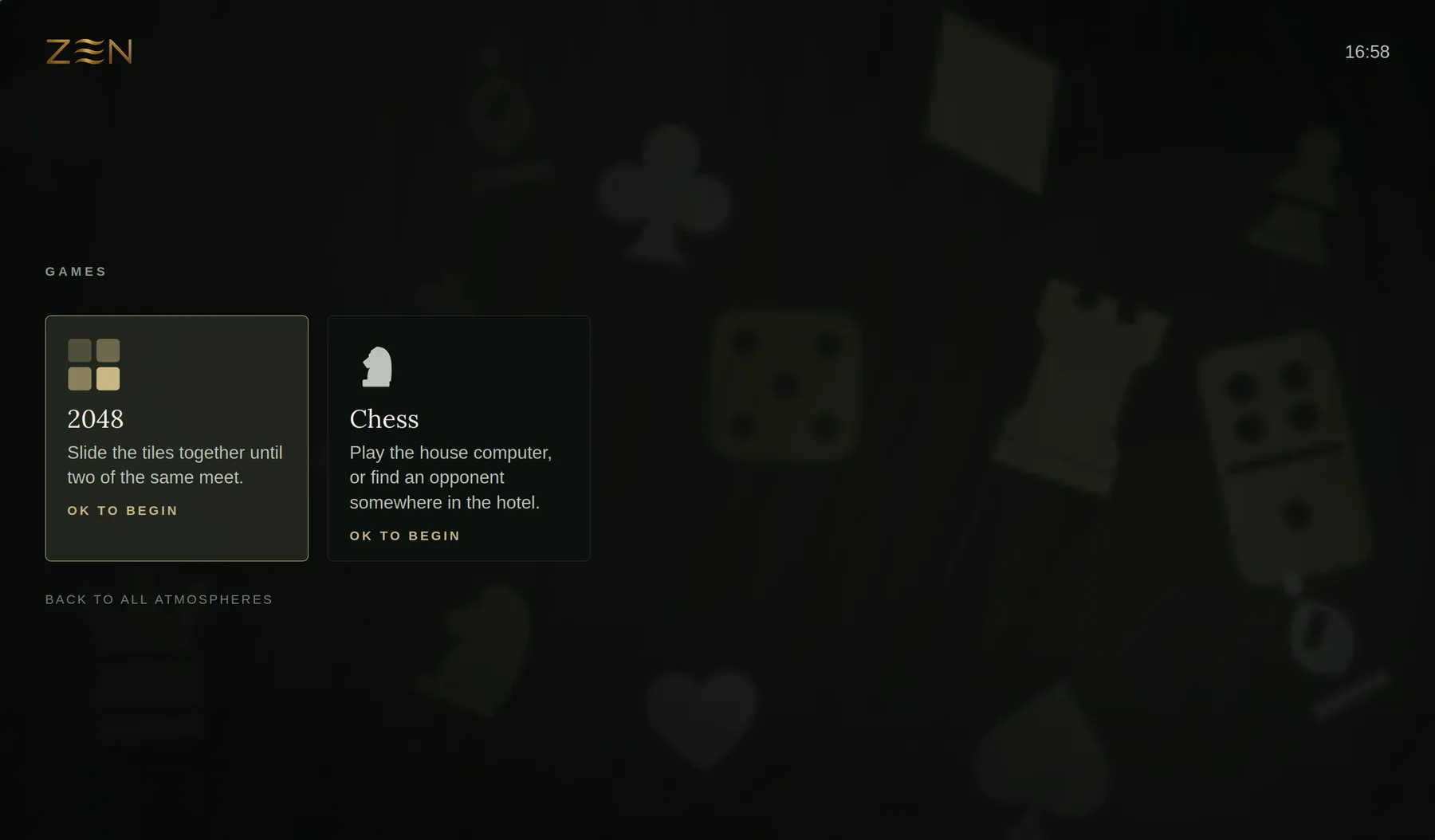
Guests can start a game whenever they like against the built-in computer opponent.
Leviathan ZEN · Ambient worlds for the room TV
ZEN turns the television in the room into a quiet window: an oak fire, a coral reef, a gallery wall, a garden at dusk. Two presses on the remote, and the screen shows nothing but the world — the caption fades away on its own. The Games menu also brings 2048 and chess to the room.
ZEN is a hotel room TV app for in-room entertainment: ambient worlds, art galleries and games on Samsung Tizen, Android TV and Google TV.
For rooms where the TV is on more than it is watched
ZEN ON THE SCREEN
ZEN turns the television into an experience that is easy to explore. Guests can choose an ambient world, browse a gallery or start a game, all from the same remote.
PLAY, TOGETHER
Guests can start a chess game on the room TV. They can play against the computer, or the system can pair them with a guest playing in another room.
Guests can start a game whenever they like against the built-in computer opponent.
For room-to-room games, the screen shows no name or room number. Guests see only their chess opponent, so they do not know who is playing from the other room.
If the hotel prefers, ZEN can run from a local server without an internet connection. Room TVs access its content over the hotel’s own network.
The worlds
Every world is a mood, not a programme: nothing to follow, nothing to finish. The catalogue is built from the folders on the Media Server, so adding a world means copying files into place — not editing a menu, not updating a single television.
Warmth and quiet
Video loop · muted
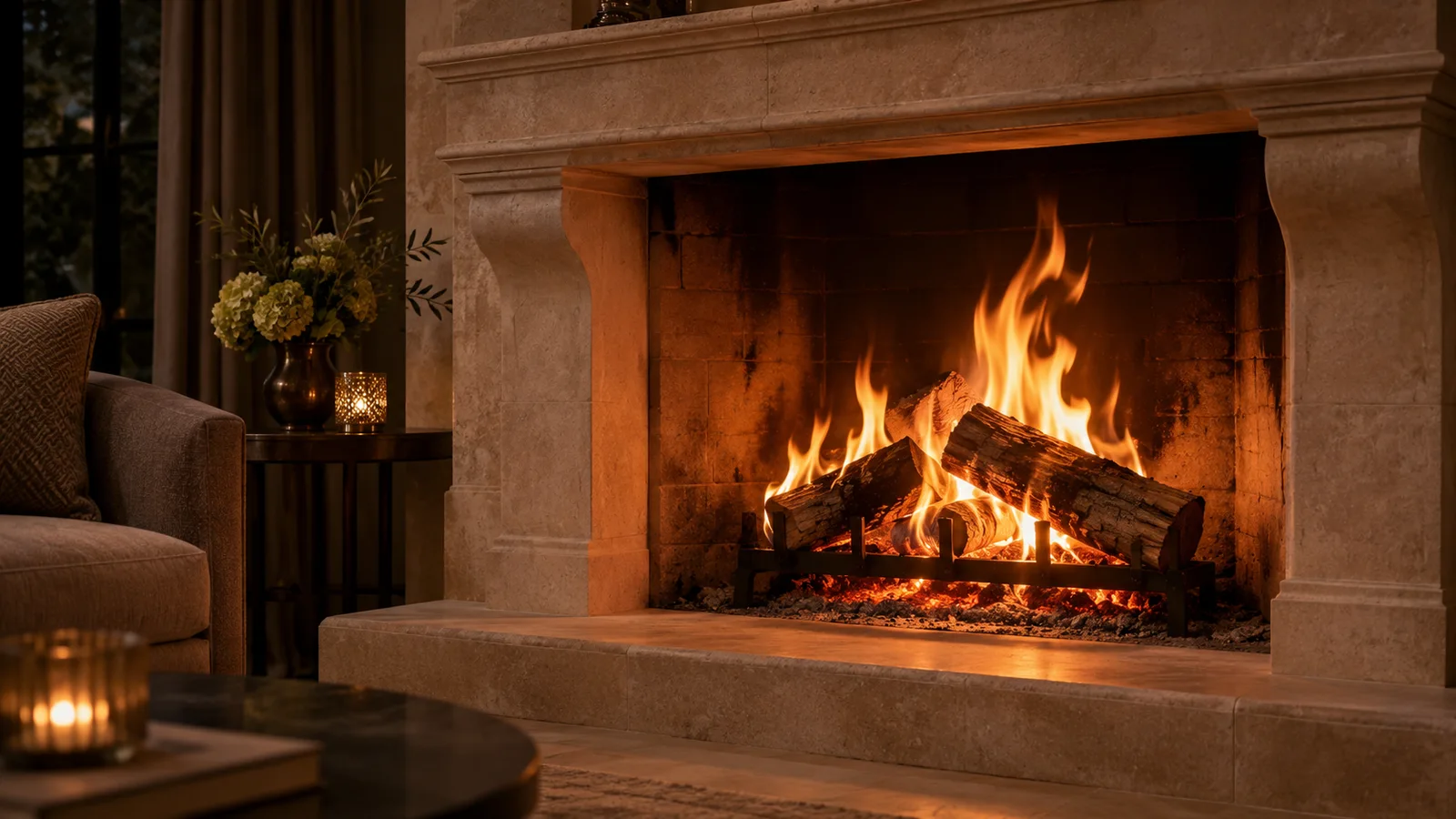
Crackling Oak
An oak fire, close enough to hear
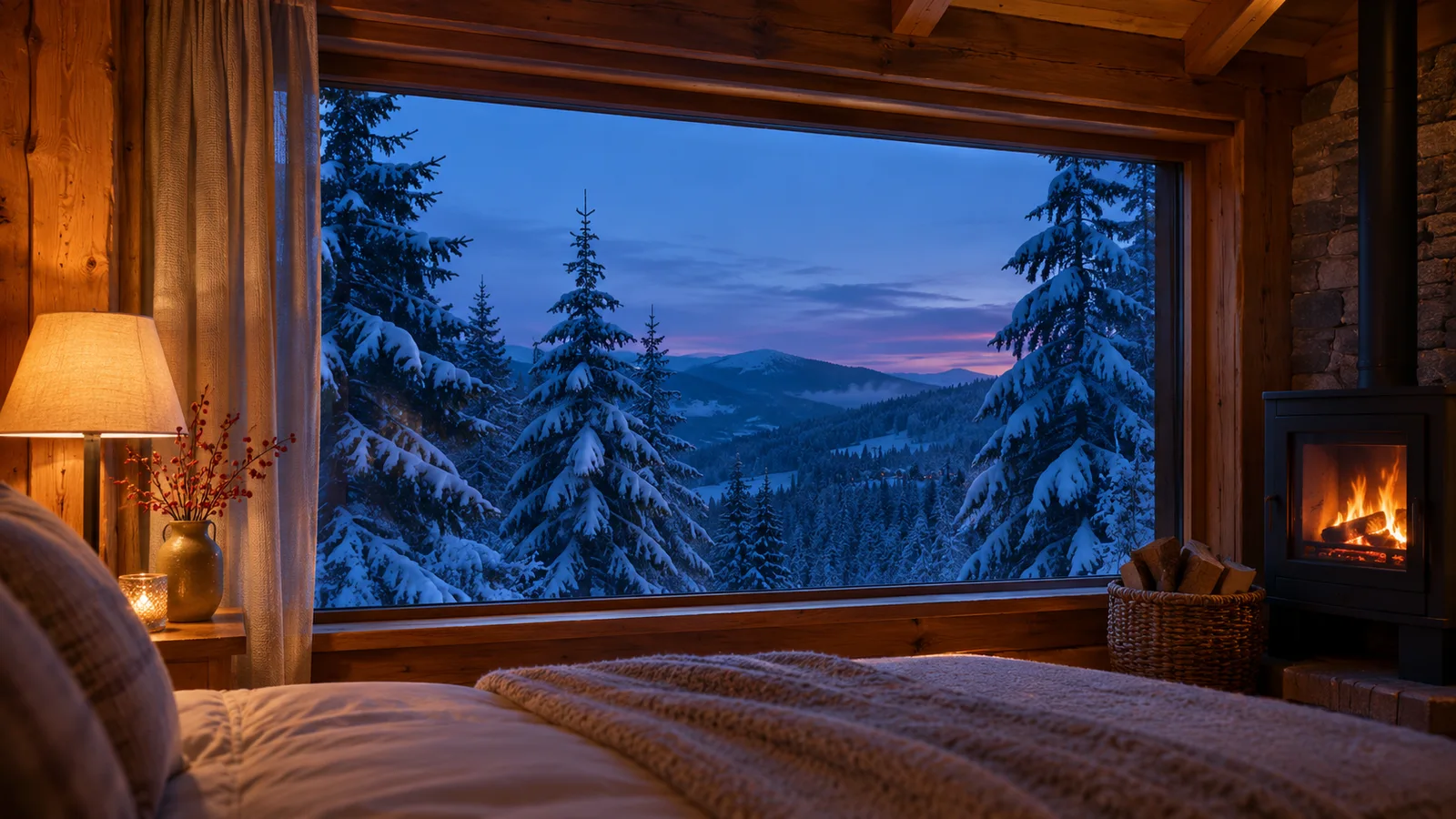
Winter Cabin
Snow outside, warmth within
Slow water, slow light
Video loop · muted
Coral Reef
Colour in shallow water
Deep Blue
Open water, far from the surface
A gallery that never ends
Gallery · slow cross-fades
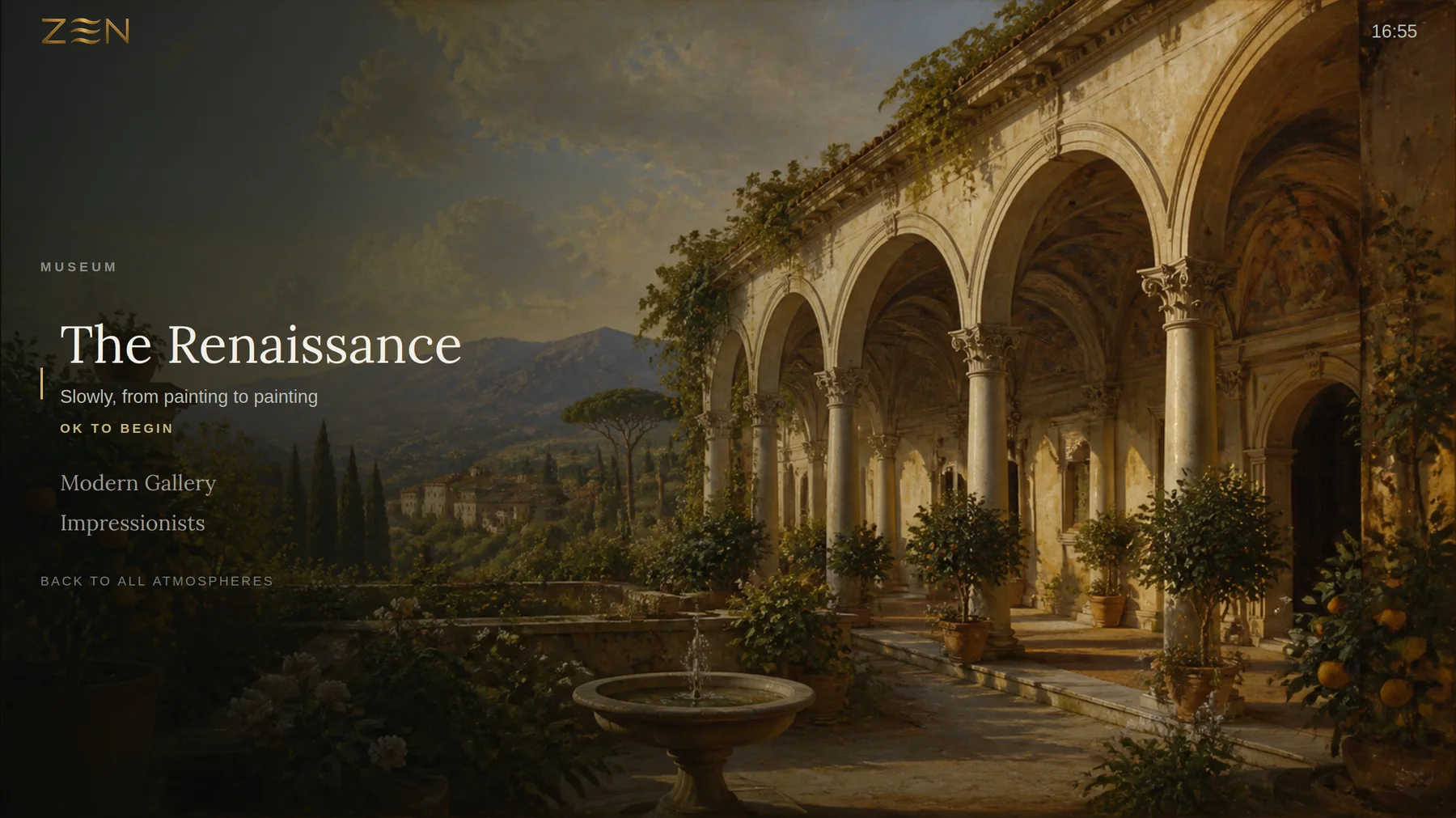
The Renaissance
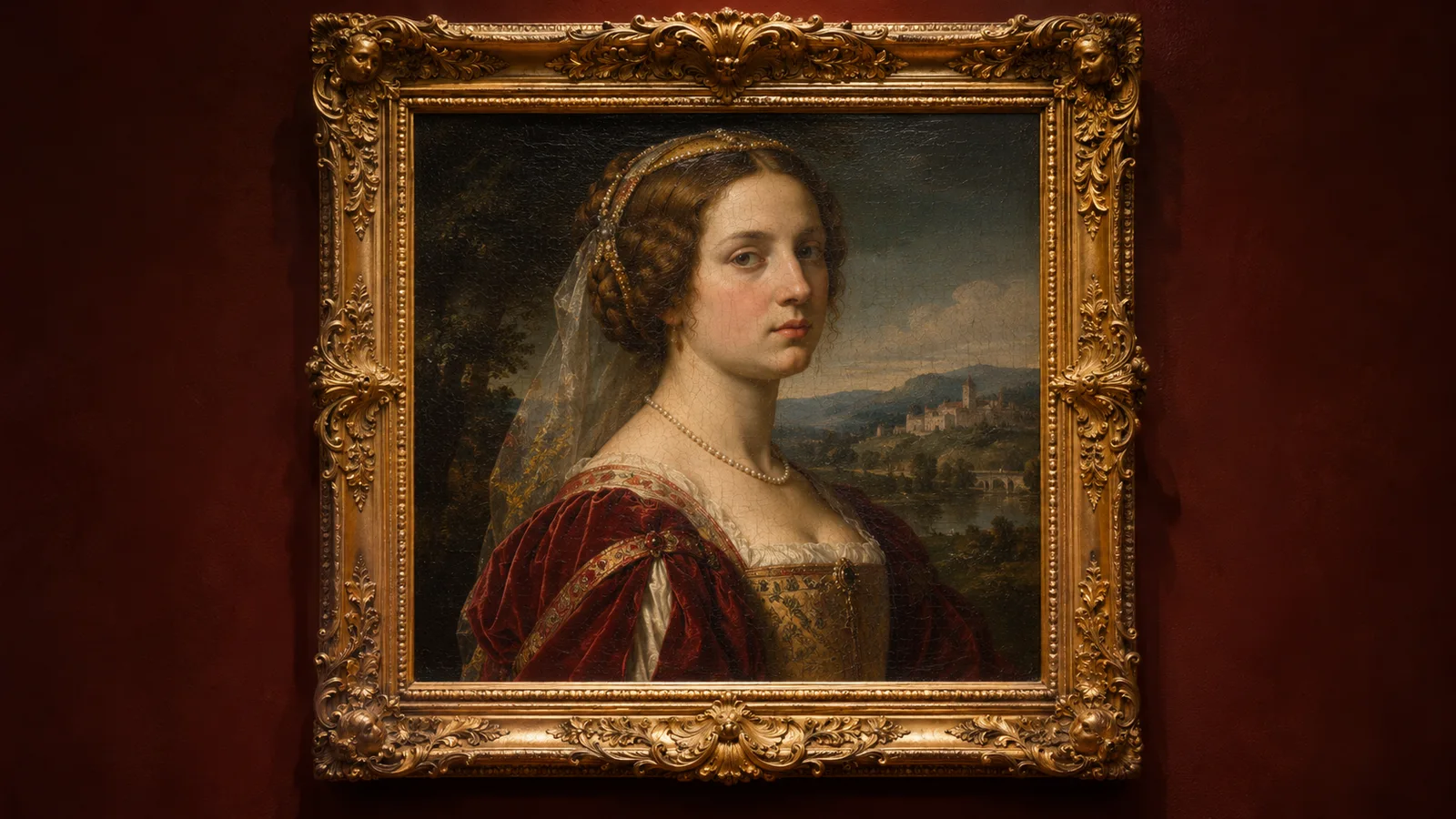
Slowly, from painting to painting
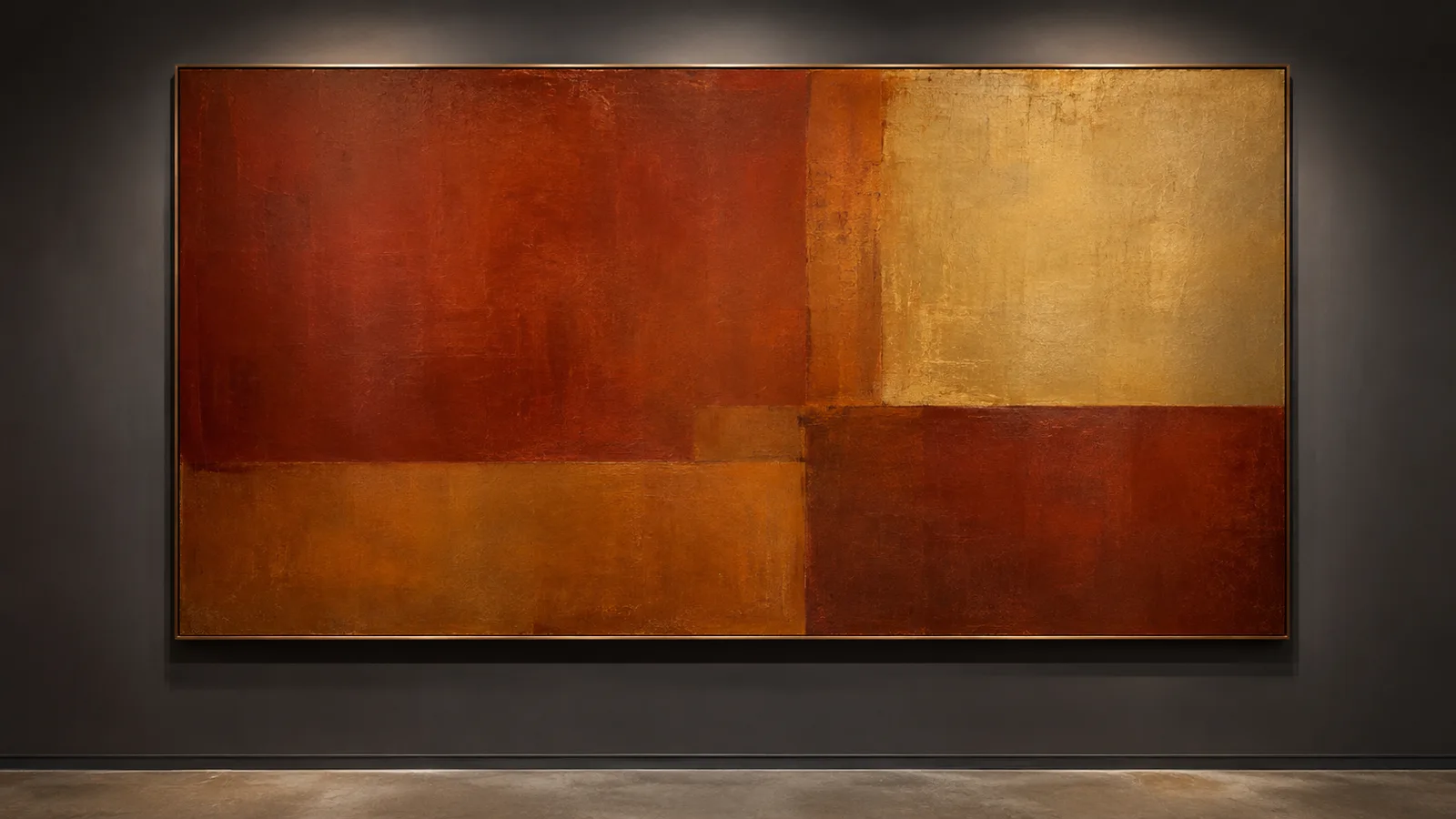
Modern Gallery
Colour fields on a quiet wall
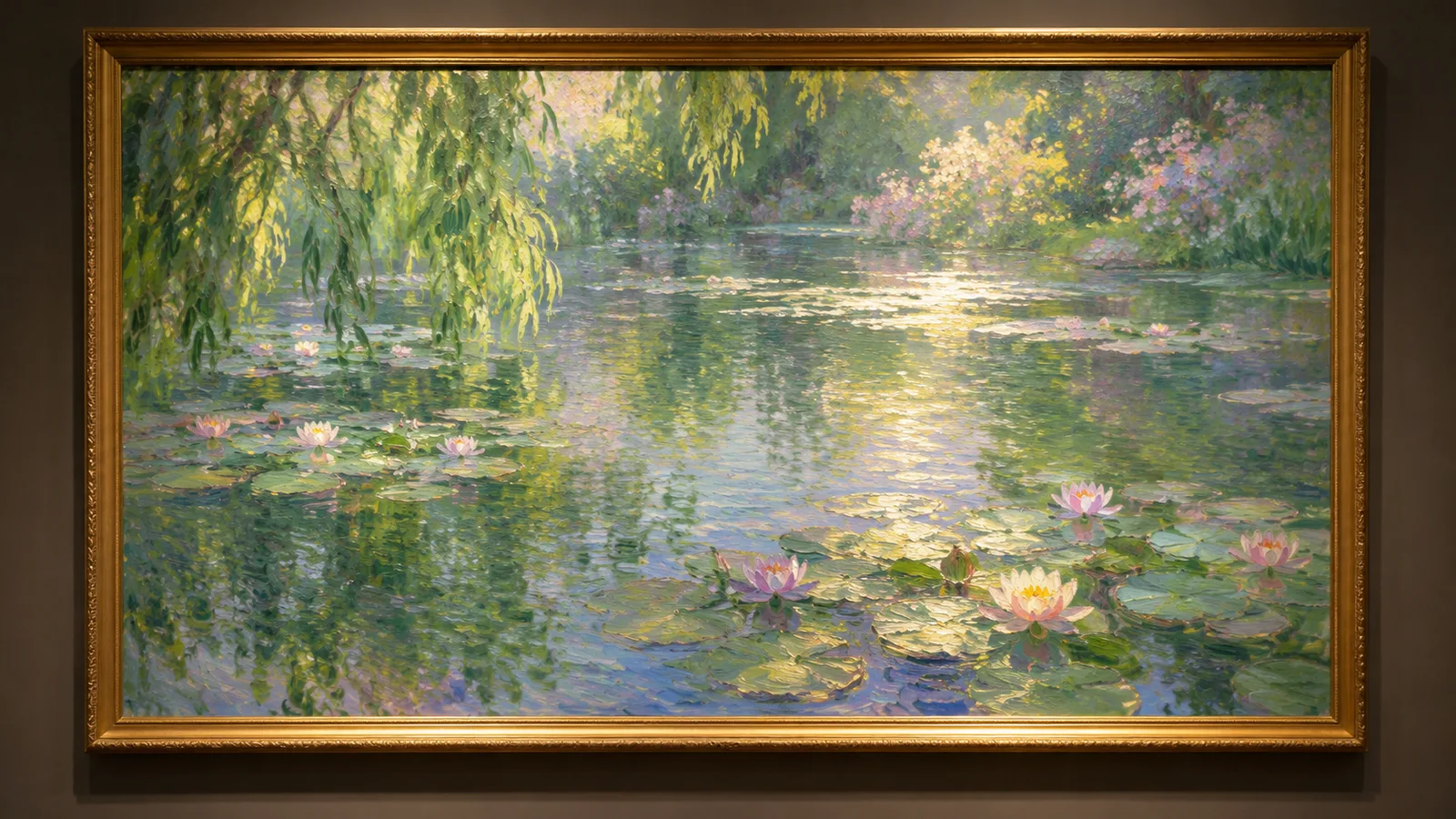
Impressionists
Light on water, stroke by stroke
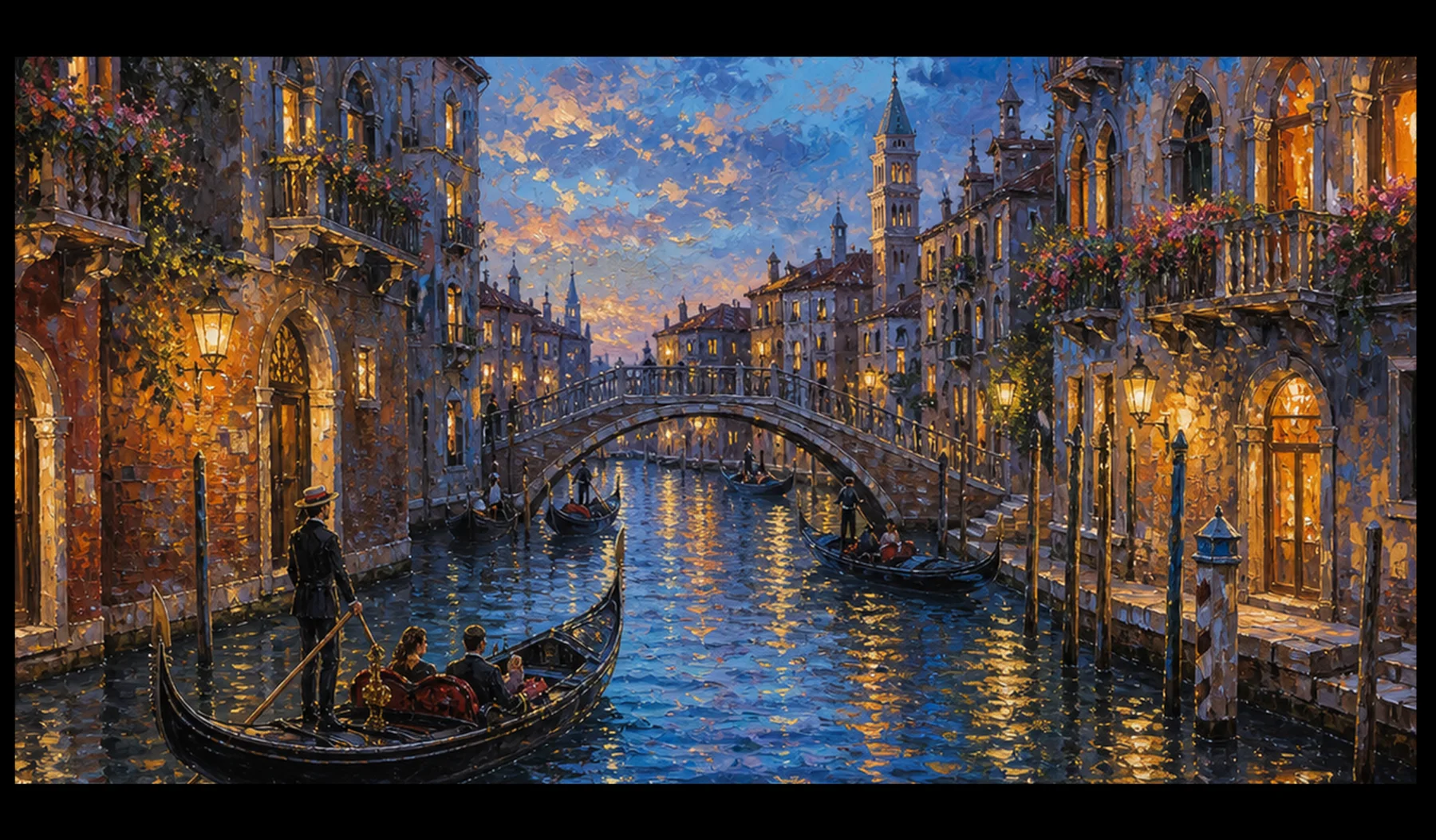
Somewhere else, for a while
Video or gallery
Japanese Garden
A pond at dusk, nothing to do
Mediterranean Night
Moonlight on a warm sea
Dreamscape
Soft colour, no story
Two presses
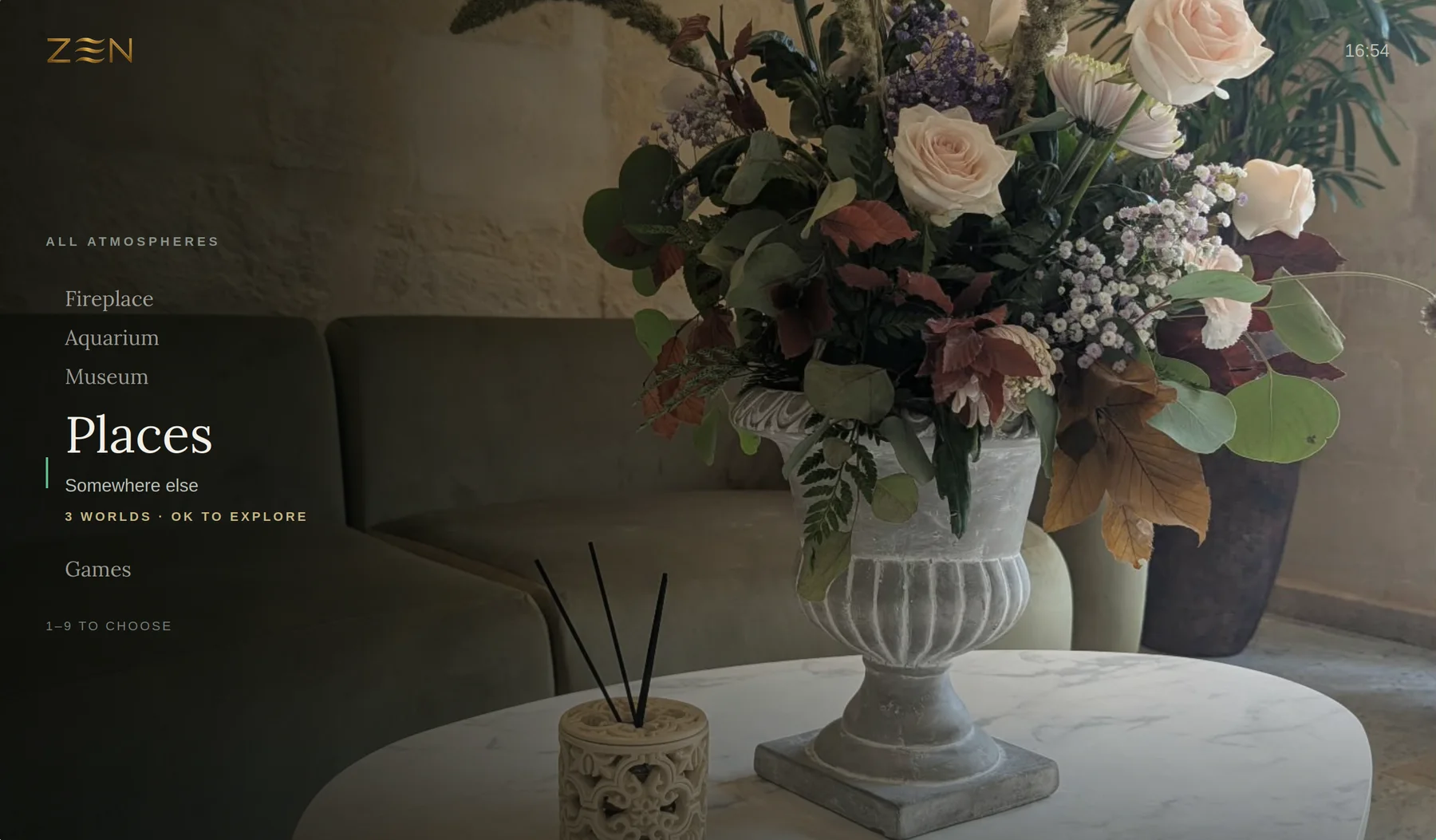
The guest never browses a library. Each row is a single quiet word until the focus lands on it — then it opens into a large serif title with a line of mood beneath, readable from three metres away. No focus box, no preview panel, no repeated button: the focus is the title.
Fireplace, Aquarium, Museum or Places. The picture behind the menu follows the focus, but only once the guest pauses on a row — stepping through is not a slideshow.
The category opens into its worlds, each with a line of mood. OK starts it.
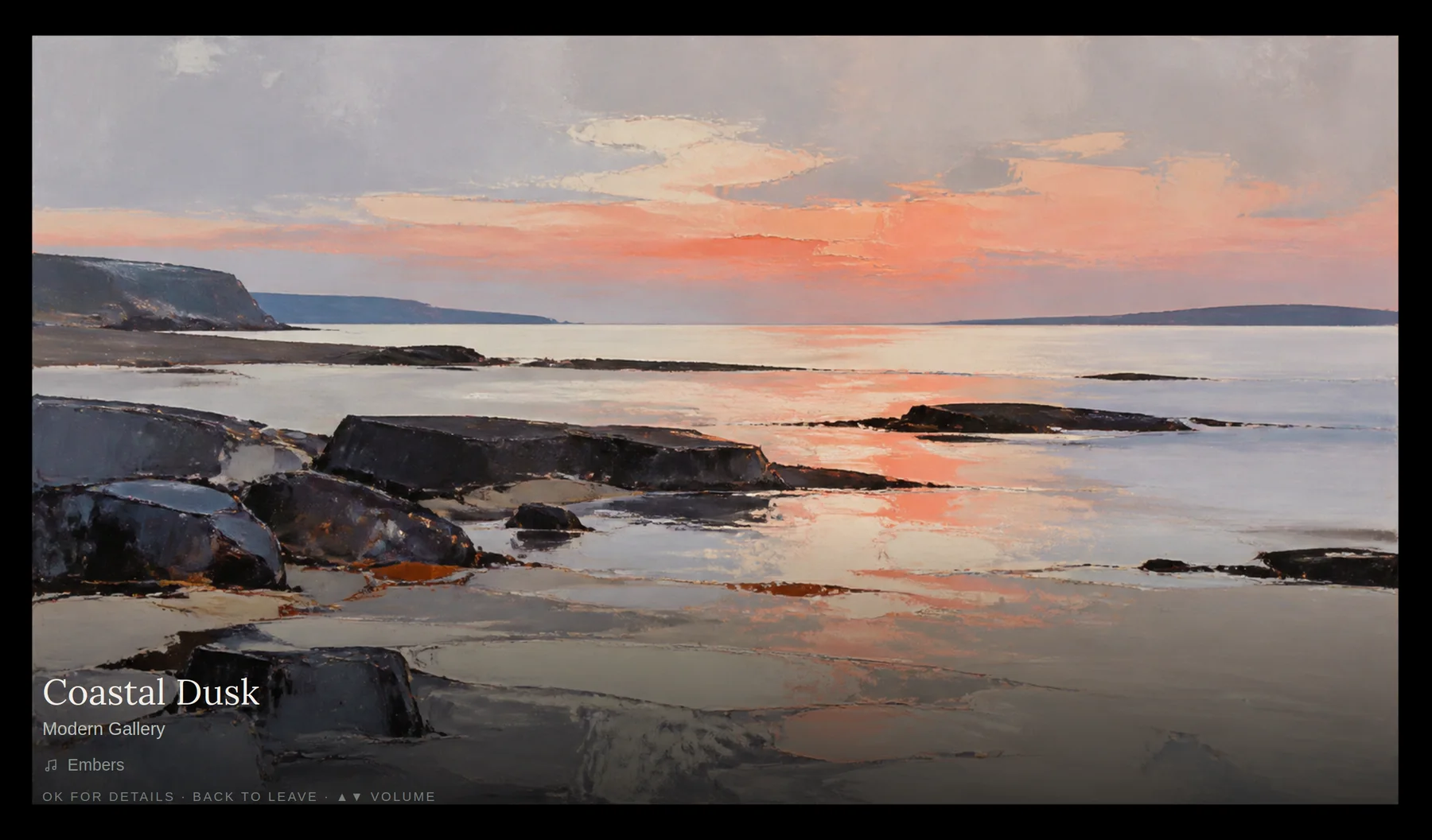
A caption shows the title, the place and what is playing, then fades by itself. Volume appears only while it is being changed.
Calm by design
A hotel TV spends most of its time not being used, and it must never look like an abandoned menu. After 45 seconds without a press the interface fades and the darkening lifts, so the whole picture shows. Nothing is closed: the first press simply brings the menu back, exactly where it was.
The Media Server decides
The television stores no content and never knows what a gallery holds; it only asks for the next item. The server keeps track of what it has already sent, per device and per gallery: while there is something new, it always sends something new. When everything has been shown, it clears the list and starts over — for images, video and music alike.
One soundtrack
Video loops play without sound; the soundtrack comes from the Media Server as a shared, on-demand HLS stream. It starts when a room first asks for it, and other rooms join the same stream instead of opening their own. For the guest it means one source and one volume control, not two fighting each other.
Shared soundtrack
/stream/zen/music/index.m3u8Idle · starts on requestStreaming · HLS
0123rooms listening
TWO TV PLATFORMS
Samsung
ZEN is available on Samsung hotel TVs.
Android
ZEN runs on Android TV and Google TV.
ZEN currently supports more than 20 languages. Additional languages can be provided on request.
Everything in ZEN
A screen must never go dark, and it must never need a person standing in front of it. These are the parts that make that true.
Copy the files, register the world on the server, press the green button. No build, no TV update.
The TV holds no media; it asks for the next URL and the server answers.
Every device and gallery has its own round, for images, video and music.
The next picture is fetched before it is needed; a broken image keeps the old one on screen.
One on-demand stream for every room that listens; one volume control for the guest.
After 45 seconds the interface steps back and the picture is all that remains.
After a set number of idle minutes, the last world the guest watched starts on its own.
No server, no made-up content: an installer screen with address and device ID, retrying every 20 seconds.
Leave the server address empty and the TV searches the hotel network for it.
Each device fetches its settings from the server, checked by type — a typo cannot break a room TV.
ZEN can be the TV's home screen; technicians open the service screen with a code on the remote.
No runtime blur and no Ken Burns zoom: one sharp image and a gradient, cheap for a weak TV GPU.
ZEN is Leviathan’s ambient room TV app for hotels. It turns the television in a guest room into a quiet window: an oak fire, a coral reef, a gallery wall or a garden at dusk. The Games menu also brings 2048 and chess to the room.
ZEN runs on the televisions already in the rooms. The same build ships as a web app, a Samsung Tizen package (.wgt) and an Android / Google TV app for Android TVs and set-top boxes, on engines as old as Tizen 4.0.
Not if the hotel prefers. ZEN can run from a local Media Server without an internet connection, and the room TVs reach its content over the hotel’s own network. Without a server there is no content: the TV shows the server address and its own ID and retries every 20 seconds.
With two presses on the remote: first a category (Fireplace, Aquarium, Museum or Places), then a world. The menu dissolves and the screen shows only the world, and the caption fades away on its own. After 45 seconds without a press the interface fades so the whole picture shows.
The catalogue is built from the folders on the Media Server, so adding a world means copying the files into place and registering the world on the server, not editing a menu or updating a television. The server also keeps each room’s round, so a gallery item does not repeat until the whole gallery has played.
Leviathan HotelFront
We will show ZEN on a real television, with your own worlds — alongside Haven for the guest's stay and VISTA for the screens in the lobby, all fed by the same Media Server.